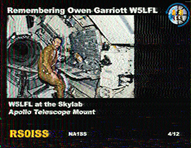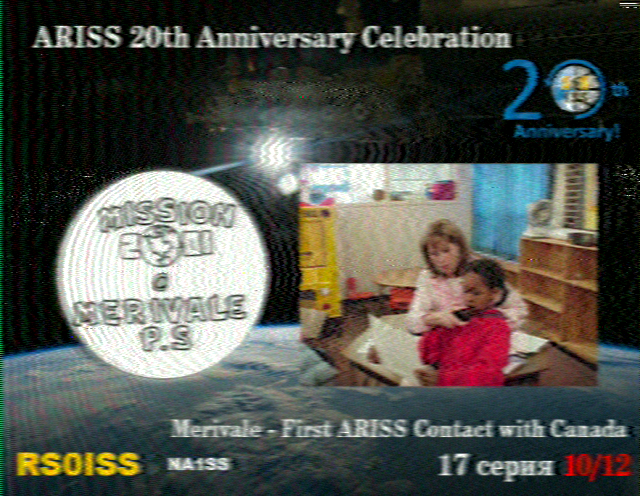
SSTV is really easy to decode – given the correct tools. SSTV is a gobble-de-gook digital mode that comes over FM and contains image data that can be decoded using some free software. I decode the ISS images with a simple baofeng handheld connected to my station vertical antenna and then run Robot36 software on my smartphone to decode the gobble-de-gook audio stream.
It really is that easy! I use the handheld because it can be placed conveniently for access to the cellphone and is easier to use than the station VHF radio – which is a channel radio without the frequency used by the ISS for SSTV being one of the channels. I could add it – and I probably will before the next set of images is sent from the ISS – but then I did say I’d do that the last time too!
Software for decoding SSTV is readily available but I use Robot36 – available for free on the Google Play Store. It is a great little piece of software, is super easy to use and can even auto-detect the mode being used if you not sure. There is other software available too, but I have found Robot36 to suit my needs perfectly.
Software for tracking satellites is also available and there are a number of options available too. I use gPredict, but there are also other such as Orbitron, SatPC32 and others. Google – there are many options.
A few other insights: Typically images take about 2 minutes to transmit, followed by a 2 minute gap between images. What this means is that you will usually get more than one image per pass – but not necessarily. Something to bear in mind is that the satellite will start and stop transmitting when it is ready – not when it is over your QTH. When the satellite comes over the horizon (AOS) it might be halfway through sending an image. In the same way it could still be transmitting an image when it goes below the horizon (LOS). The length of the pass is also very important as low passes (close to the horizon) will be significantly shorter than when the satellite moves directly over your QTH.
There is no guarantee as to what you will get, so you simply have to take what you can get.
Suck it up princess!
What about the Doppler shift? When you are working a satellite, the frequency on approach, at your location, and leaving you location appear to be at different frequencies. When it comes to SSTV, I don’t use the yagi, I simply rely on my vertical and I just forget about the Doppler shift. Naturally, low passes are better for getting into the vertical antenna – and this helps to negate the impact of the Doppler shift.
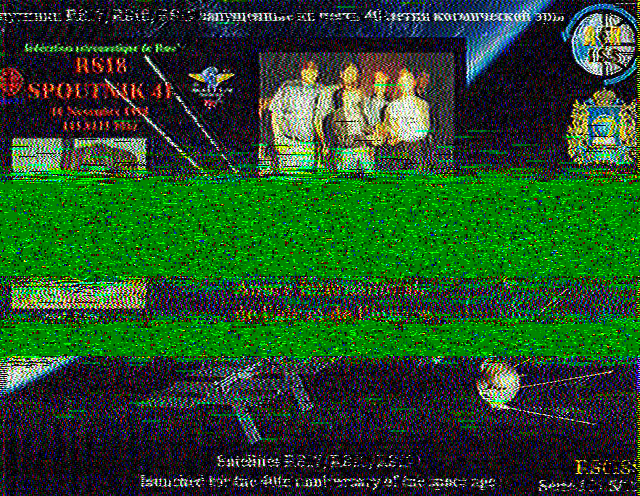
What does QRM look like? When you decode images and get a loss of signal or interference, it is shown in the image as green. The decoding process is much like that of downloading from the internet – in that the image comes in lines and if there is a problem halfway through it is just tough. Below are a few images to demonstrate this.
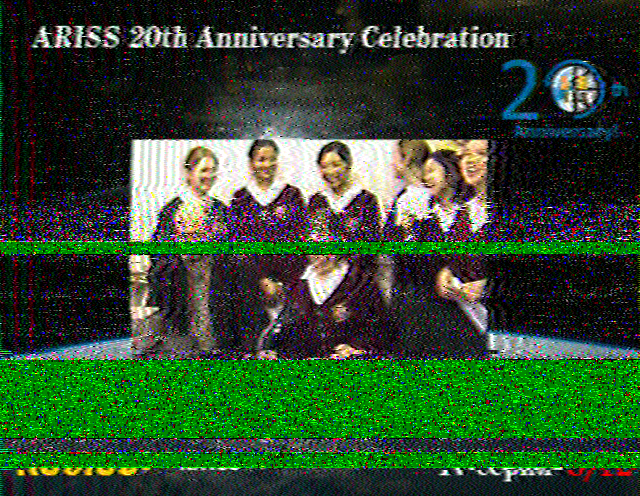
Signal loss or QRM 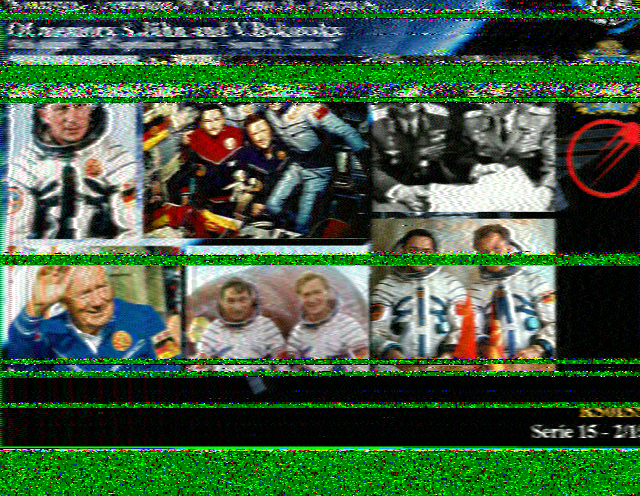
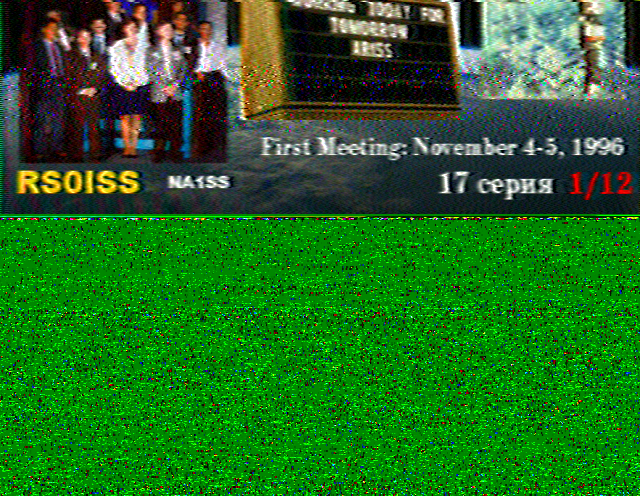
AOS Halfway through an image