Zulu Sierra Two Delta Hotel

Category: Satellites

SSTV images from the ISS

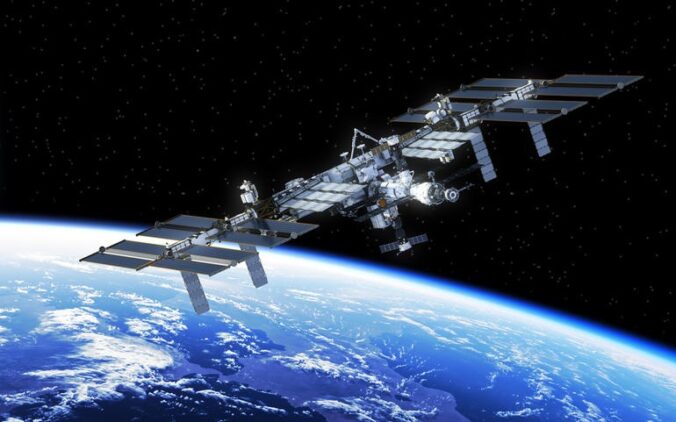
The International Space Station (ISS) is a marvel in its own right. It has radio transponders onboard that allow it to operate as a crossband repeater. A crossband repeater about 400Km away which travels at about 7.66 Km/s – So not a typical repeater.

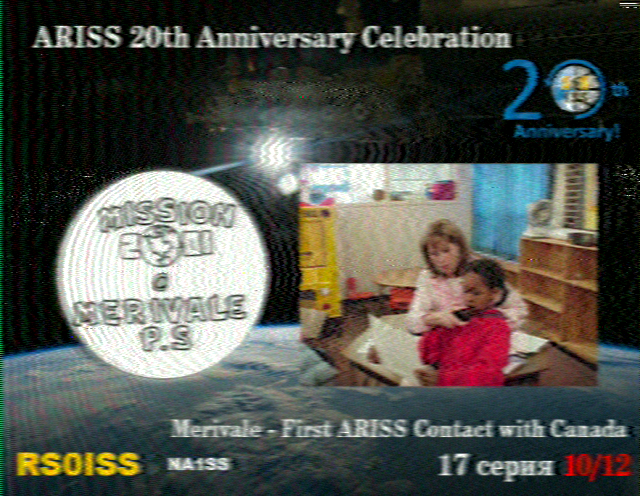
Between 24th and 31 December 2020 the ISS transmitted images for radio amateurs to download and collect. A set of 12 images in celebration of the 20th Anniversary of the ARISS program.

ARISS is the Amateur Radio on the ISS program and promotes amateur radio by allowing schools and clubs to arrange contacts with operators onboard the ISS.

Technical info: Images were transmitted on 145.8 MHz FM using the SSTV Mode PD120.

Getting some wallpaper for your efforts.
Decoding the images is easy – if you don’t know how to decode the images, read my other post about decoding SSTV images and also read the post on working satellites.

Once you have the images you could upload them to the online gallery at https://www.spaceflightsoftware.com/ARISS_SSTV/. If nothing else you get to see the gallery with images uploaded from other hams around the globe – and have yours up there for others to see. However, you could apply for a “QSL-card” certificate by requesting one from https://ariss.pzk.org.pl/sstv.

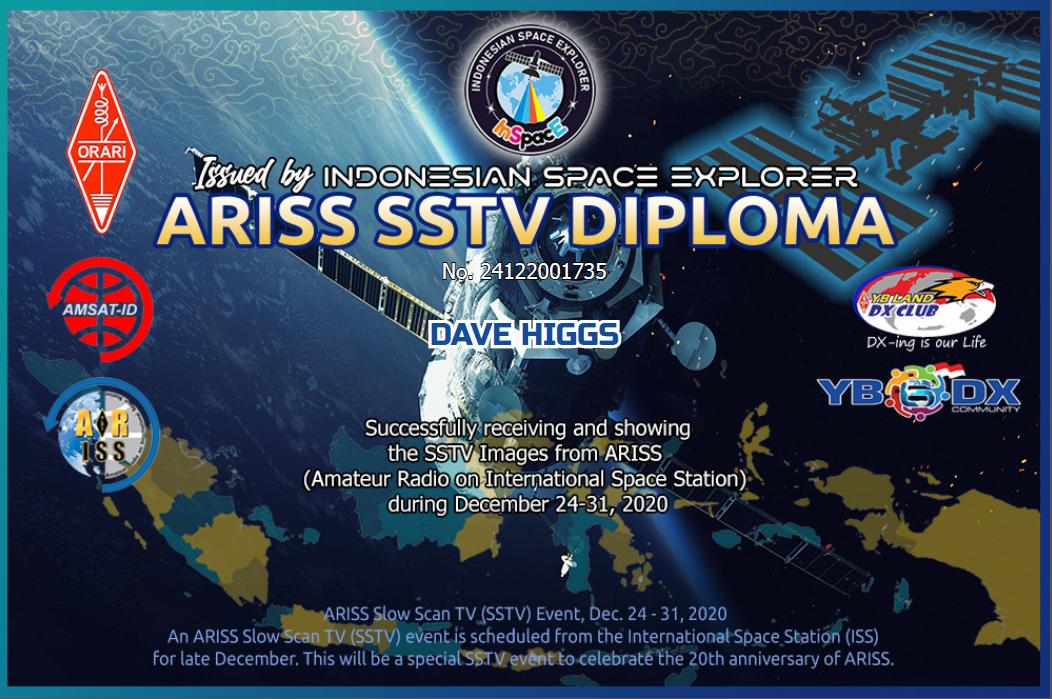
InSpace offer a “diploma” which you can get by emailing 2 images that are at least 50% decoded to inspacexplorer@gmail.com.

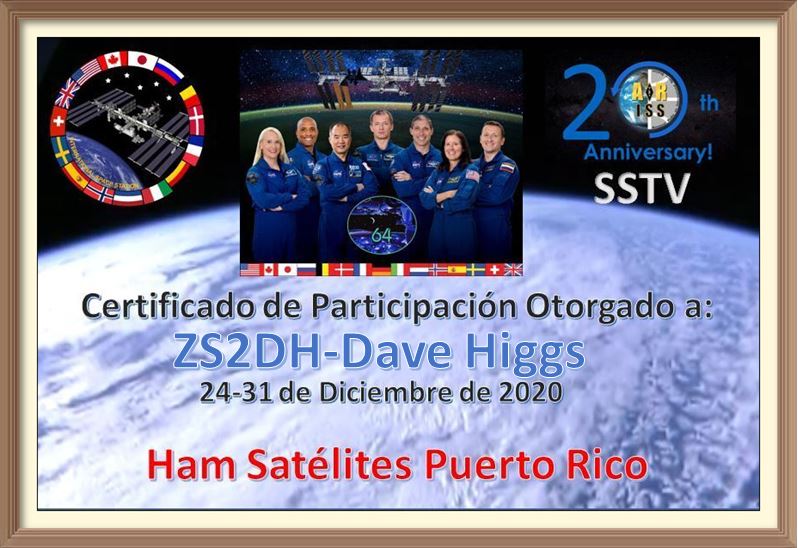
You can also get a certificate of participation by emailing any one of your images to kp4rv@yahoo.com.

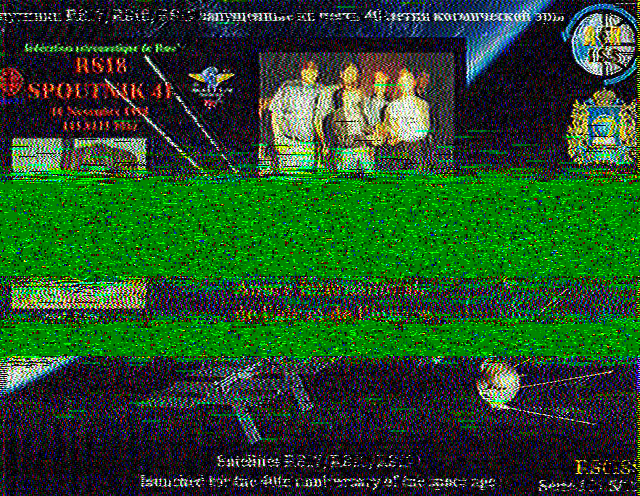
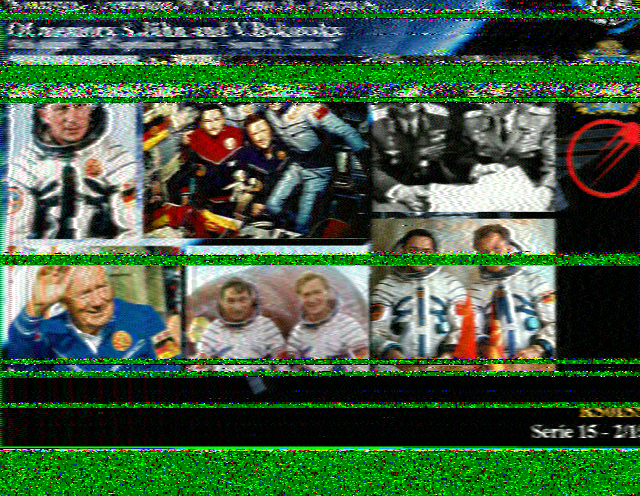
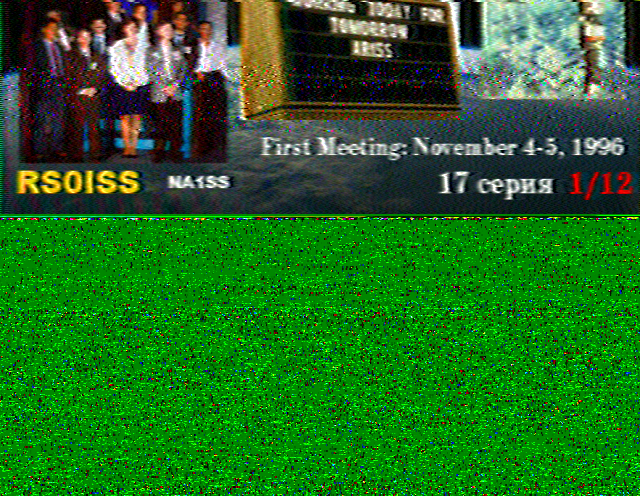
Here are some of the images I managed to decode – not a lot because I took a long walk.

The ARISS SSTV Diploma
Another one for the wall
A certificate of participation

Decoding SSTV images

SSTV is really easy to decode – given the correct tools. SSTV is a gobble-de-gook digital mode that comes over FM and contains image data that can be decoded using some free software. I decode the ISS images with a simple baofeng handheld connected to my station vertical antenna and then run Robot36 software on my smartphone to decode the gobble-de-gook audio stream.

It really is that easy! I use the handheld because it can be placed conveniently for access to the cellphone and is easier to use than the station VHF radio – which is a channel radio without the frequency used by the ISS for SSTV being one of the channels. I could add it – and I probably will before the next set of images is sent from the ISS – but then I did say I’d do that the last time too!

Software for decoding SSTV is readily available but I use Robot36 – available for free on the Google Play Store. It is a great little piece of software, is super easy to use and can even auto-detect the mode being used if you not sure. There is other software available too, but I have found Robot36 to suit my needs perfectly.

Software for tracking satellites is also available and there are a number of options available too. I use gPredict, but there are also other such as Orbitron, SatPC32 and others. Google – there are many options.

A few other insights: Typically images take about 2 minutes to transmit, followed by a 2 minute gap between images. What this means is that you will usually get more than one image per pass – but not necessarily. Something to bear in mind is that the satellite will start and stop transmitting when it is ready – not when it is over your QTH. When the satellite comes over the horizon (AOS) it might be halfway through sending an image. In the same way it could still be transmitting an image when it goes below the horizon (LOS). The length of the pass is also very important as low passes (close to the horizon) will be significantly shorter than when the satellite moves directly over your QTH.

There is no guarantee as to what you will get, so you simply have to take what you can get.

Suck it up princess!

What about the Doppler shift? When you are working a satellite, the frequency on approach, at your location, and leaving you location appear to be at different frequencies. When it comes to SSTV, I don’t use the yagi, I simply rely on my vertical and I just forget about the Doppler shift. Naturally, low passes are better for getting into the vertical antenna – and this helps to negate the impact of the Doppler shift.

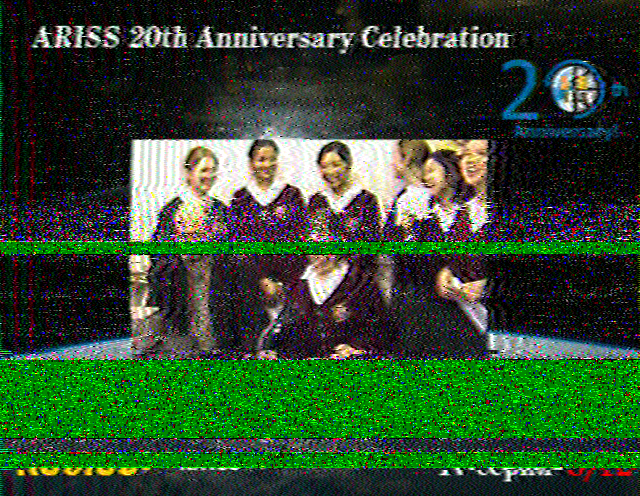
What does QRM look like? When you decode images and get a loss of signal or interference, it is shown in the image as green. The decoding process is much like that of downloading from the internet – in that the image comes in lines and if there is a problem halfway through it is just tough. Below are a few images to demonstrate this.

Working satellites

Those who know me, know I am not keen on VHF, nor on repeaters – and are surprised to find my latest hobby is working satellites.  It’s not quite the same as working a stationary terrestrial repeater – not when the repeater is traveling at 11 – 27 thousand kilometers per hour!

So, what can you do working satellites?

There are a variety of satellites with ham radio transponders/repeaters on board.  These range from download only (usually telemetry or CW beacons) to cross-band repeaters on FM and SSB.

Working an FM satellite is a piece of cake!  Get a handheld – a UV-5R or equivalent is more than adequate.  Set the radio to the receive frequency, the tx to the tx frequency and go.  The standard “rubber duck” antenna on the handheld is all you need for a high pass.  Working the passes closer to teh horizon you need a yagi.

The AMSAT yagi I love so much!

The AMSAT yagi I love so much!

The AMSAT yagi as available on the AMSAT SA website is a good place to start.  That and a fitting onto the HT of your choice and you have a fully operational “Ground station”.

Antennas and polarization: While you must understand the satellite is travelling at one hell of a rate of knots, it is also turning.  Consider, also, the path a satellite might take and how a standard vertical antenna will work on receive and transmit.  When the satellite is directly overhead of a vertical antenna, you will get no signal.  When the satellite is on the horizon (further away utilizing a lower radiation angle) the vertical will be better.  A yagi, however, wins hands down in both cases.

There are plenty of youtube tutorials about working satellites and they will all tell you antenna orientation is important.  And it is, but get out and play – you will soon figure it out.

Apart from working other hams through a satellite, downloading telemetry from a satellite, you might also get a chance to work an astronaut on-board the ISS.  This is indeed a rare occurrence, although schools can schedule a QSO with the ISS, regular radio hams like Andre, ZS2BK need to be in the right place at the right time to get the contact.  Andre, ZS2BK had a chat with Richard on the ISS and managed to record the QSO – one of which he is very proud!

What about getting images from the ISS?  Every so often the ISS transmits images on SSTV – usually now in mode PD120.  At the time of writing this post, the ISS is transmitting a range of images in remembrance of astronaut and engineer Owen Garriott.  Download an app to decode SSTV – I use Robot36 on android and MMSSTV on Windows.  Set the mode to PD120 and place it within “earshot” of a radio receiving on 145.800MHz while the ISS crosses overhead.
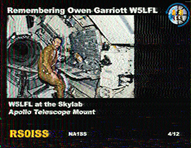
The first image I received from the ISS

The first image I received from the ISS

The PD120 mode takes 2 min to send an image and is then followed by a 2 min break, so you would think you would get  5  images per 10 minute pass, but it is not quite that simple.  You should get between 3 and 5 images – along with partial images depending on where in the tx cycle the satellite is at your AOS/LOS and so on.

For more on images from the ISS, check out my post here.  What about a SOTA activation by satellite ?  What about RADAR?  The possibilities are almost endless.

I will leave you with a single thought that blows my mind.: There are people (Andre, ZS2ACP for example) who have worked a DXCC via satellites!

Images from the ISS

Working satellites has certainly upped my activity level as far as ham radio is concerned.  Between not getting out to do SOTA and the current sun spot activity making DX from my rather limited shack a hard task, ham radio was taking a beating.

My very first image - ever!

My very first image – ever!

I will be the first to admit that VHF does not press my buttons.  If I wanted to be a security guard with a “mall cop” radio, that would be different – but I am HF and SOTA and a bot around the edges!

Working a local repeater is about as much fun as well, its not fun.  Nor is it exciting.  Working a satellite is about the same thing – with one subtle difference – its moving at one hell-of-a-lick!

Tracking satellites and being available for the relevant *workable* passes is also a challenge, but at least it requires a bit of thought and planning – not like keying the local repeater.

My setup

My setup is probably about as basic as it comes – a 5W handheld with one of the cool AMSAT Yagi’s developed by ZSYI.  You can imagine me walking all over my backyard pointing the yagi into the sky at odd angles, turning it around and keeping the squelch open.  I often think my neighbours must think I am ET calling for an Uber!

Now, getting images from the ISS – that sounds difficult and almost illegal.  So of course I am interested!

Well it turns out it is neither difficult nor is it illegal.  It is, however, still rather rewarding!

I downloaded the Robot36 app (from the google play store) – it is a free app and decodes SSTV (Slow Scan TV) signals.  A simple, nice app that does what it claims to do!

I connected my handheld Baofeng UV-5R up to the station’s vertical antenna (on the roof) and tuned the Baofeng to 145.800MHz, FM.  I placed the cell phone next to the radio and waited for a pass.

Ta-da! images

Remembering Owen Garriott - ISS images

Remembering Owen Garriott – ISS images

From this very simple station I got the following images.  QRM on the signal gives the “shaky/out of focus” look to parts of the image.  As far as I can understand, the “green belts” are lack of signal into the decoder (rather than distorted signal).

Another part of the puzzle – with my station in particular – is the fact that I used a single vertical antenna (rather than a yagi pointed at the satellite) so the signals on the horizon are better (into the vertical) than when the ISS is directly overhead.  Imagine computer controlled yagis tracking the ISS in real time!  Ok, it is a reality for some people, but not me in my shack – I have to do it the hard way 😉

Here are a few more images:

© 2026 ZS2DH

Theme by Anders NorenUp ↑